-
Saifa AI for Clinics
From the first chat
to the next appointment
All in Saifa
Bring AI replies, appointment booking, practitioner schedules, customer records, and broadcasts into one platform. Keep your clinic team connected from the first inquiry to the next visit.

-
BOOKING & SERVICE MANAGEMENT
Appointments that fit
your real availability
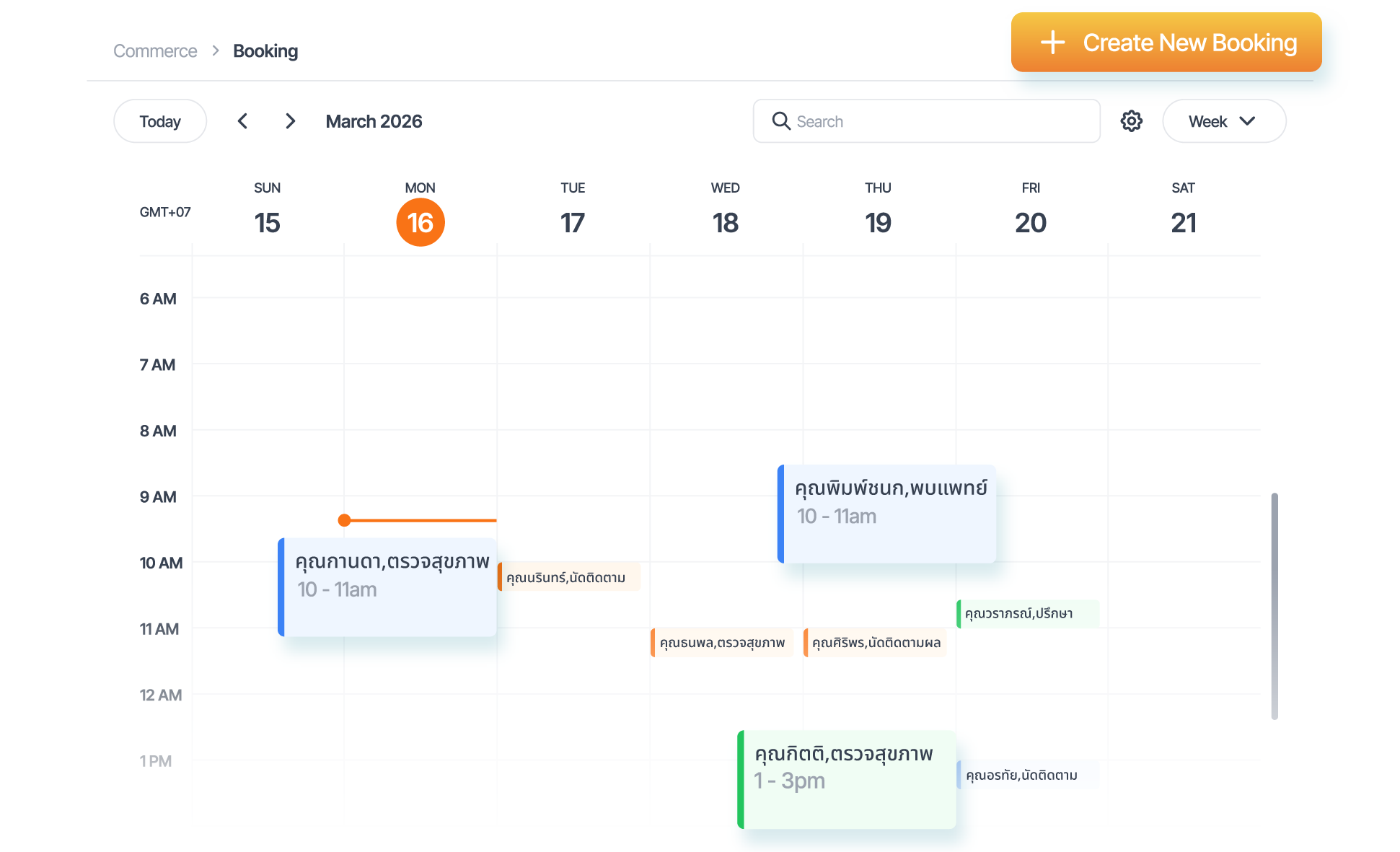
Choose a service, date, time, and customer to create an appointment in Saifa. Available slots are calculated from service or provider schedules, with every appointment shown in a weekly calendar.
- Set service durations and customer capacity per session.
- Show available dates and time slots, with the end time calculated automatically.
- Choose an existing customer or add a new one while creating a booking.
- Find appointments by customer name or service.
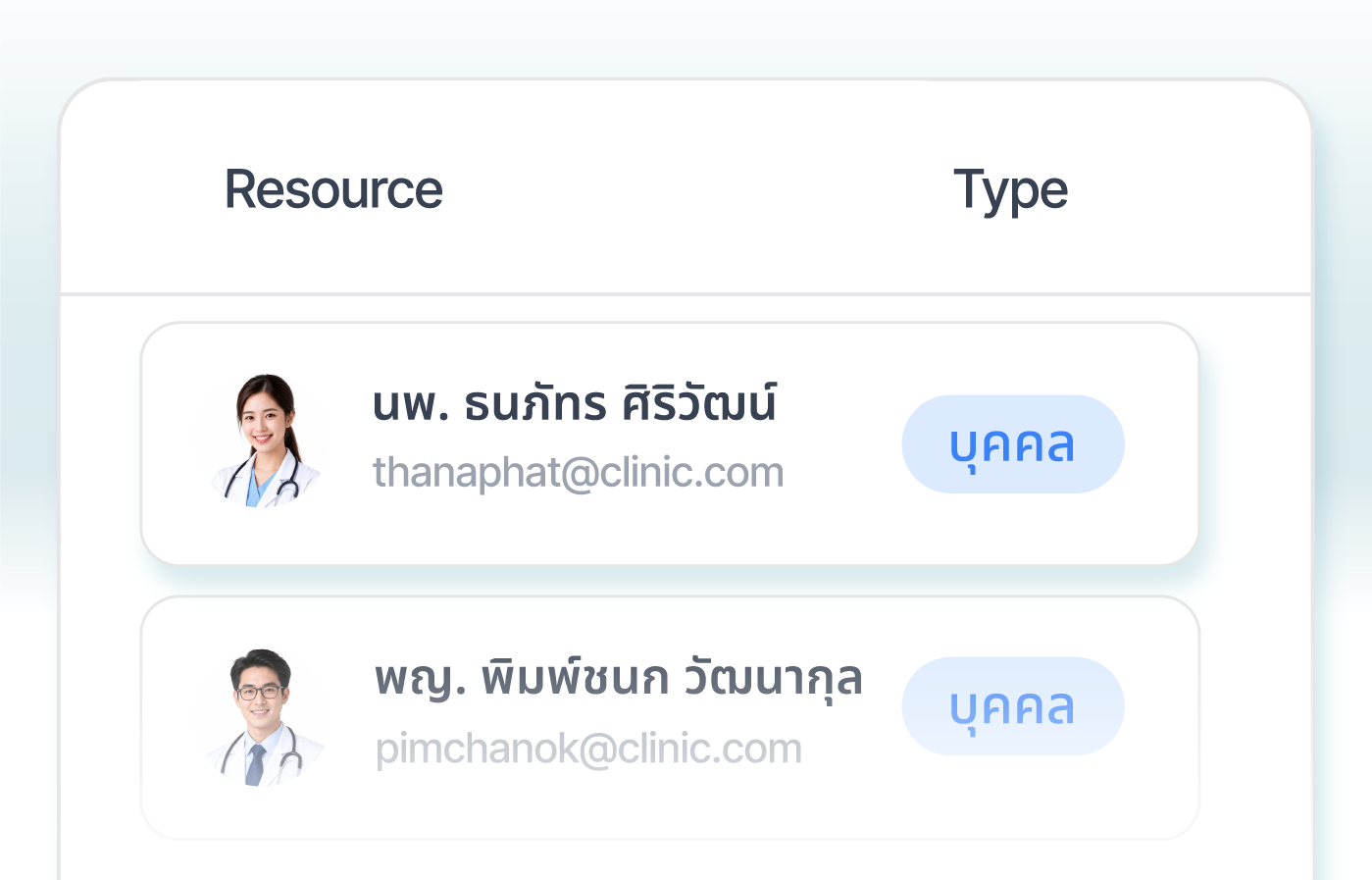
Practitioners and Providers
Set each provider’s working hours, breaks, specialties, and service locations.
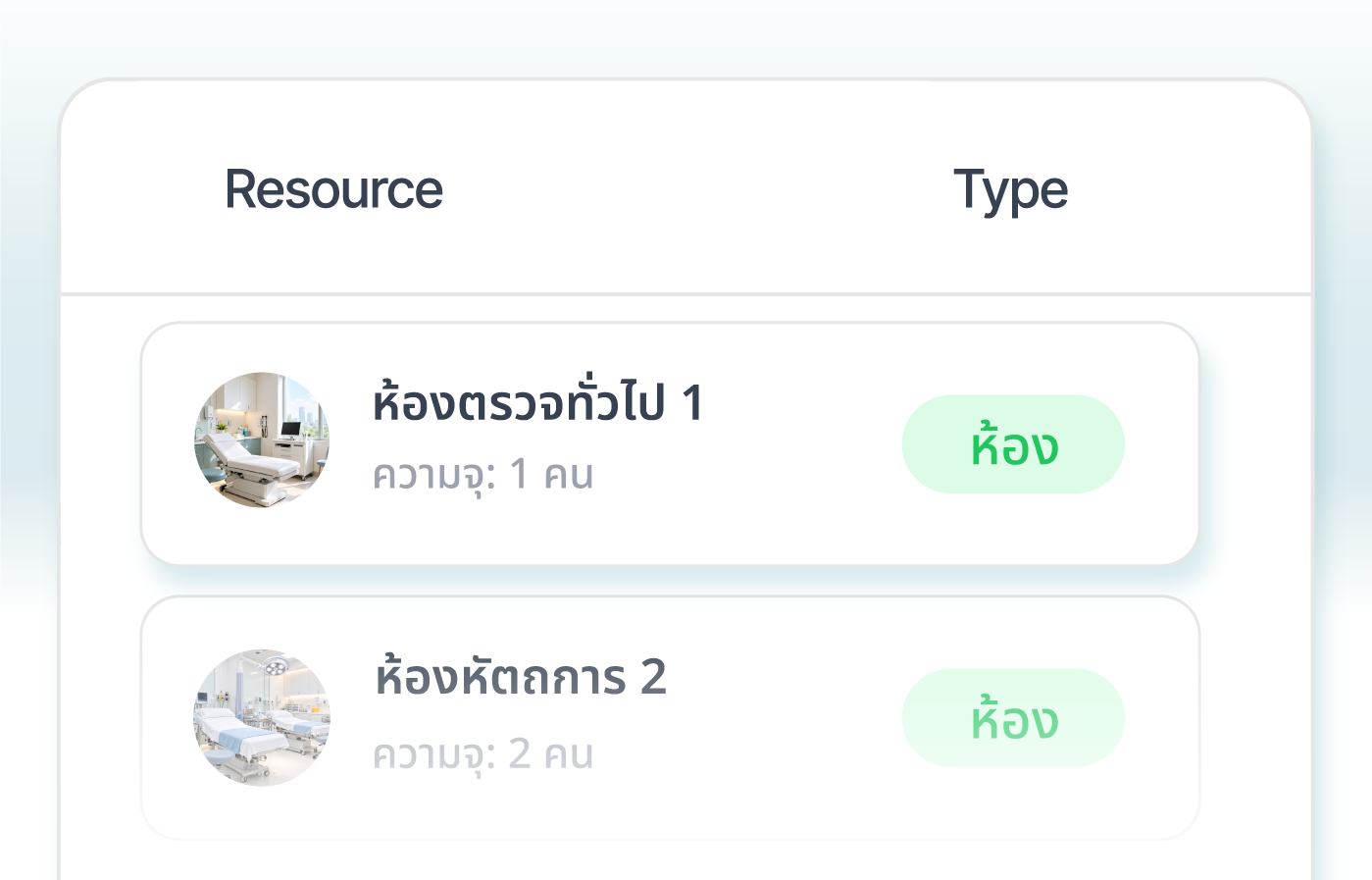
Consultation and Treatment Rooms
Add rooms as resources and link their schedules to bookable services.
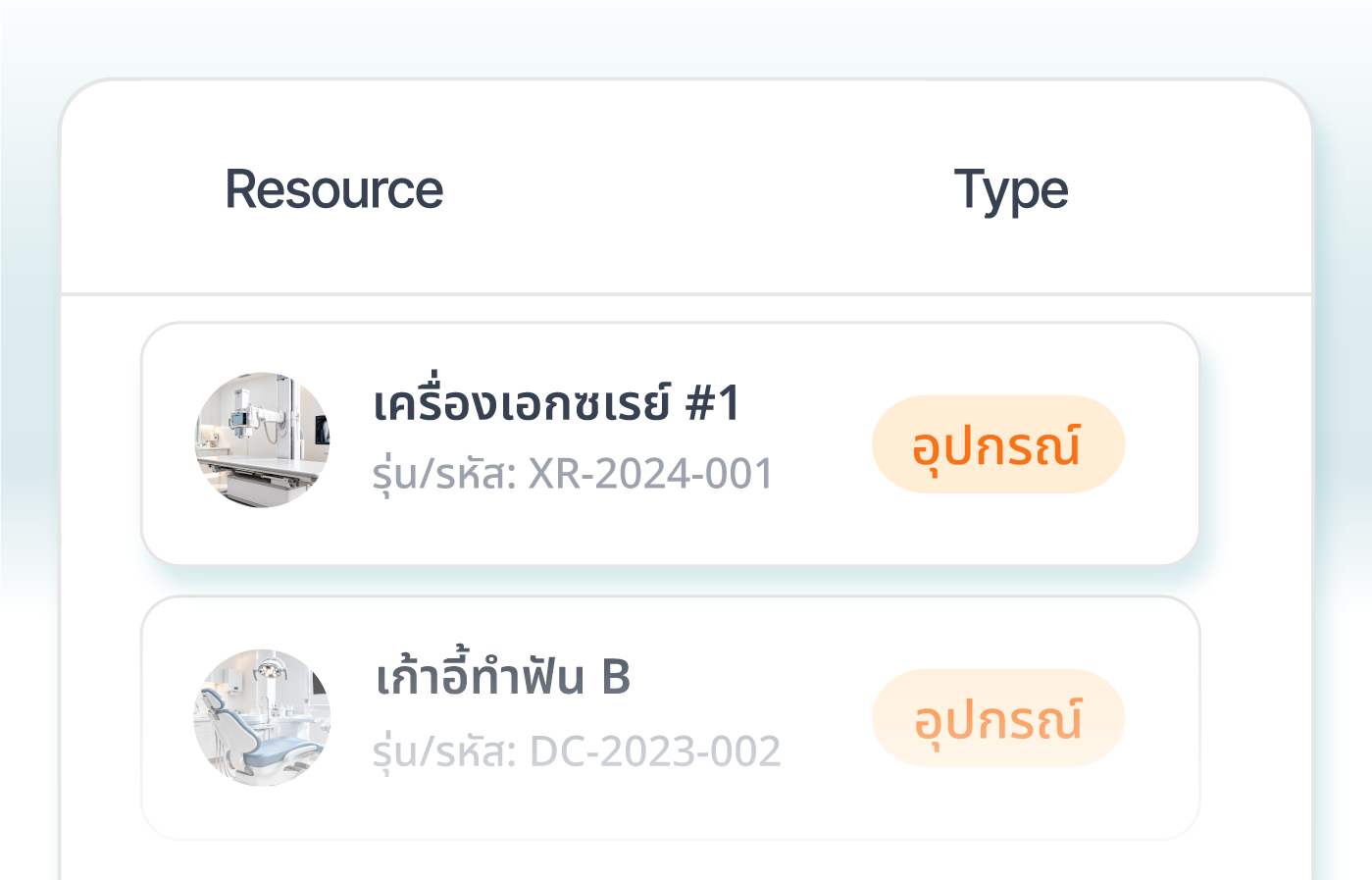
Tools and Equipment
Set equipment schedules and locations so bookings reflect resource availability.
-
AI CUSTOMER SERVICE
Answers for patients.
More time for your team.
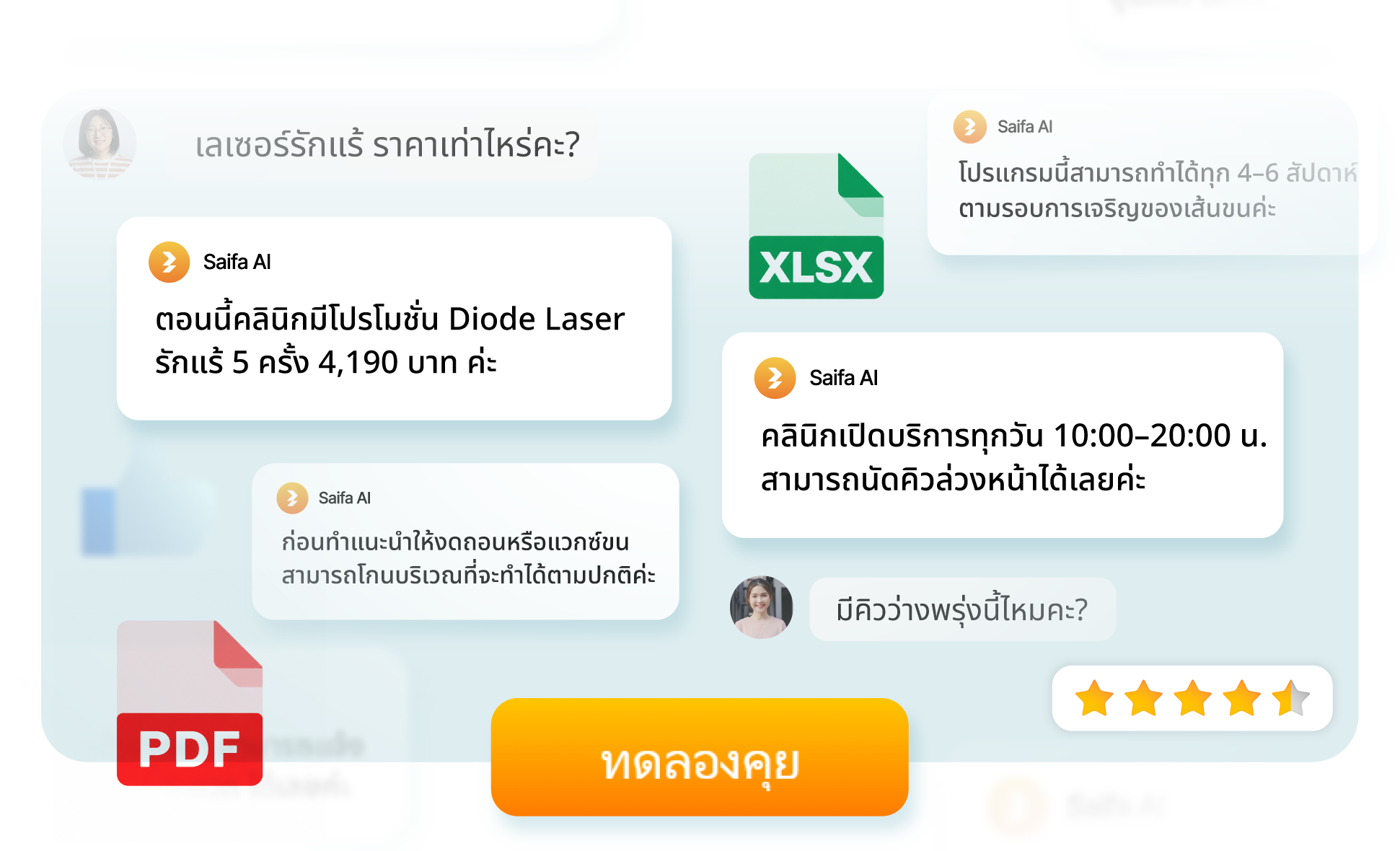
Saifa answers using your clinic’s information and keeps conversations organized, with your team ready to step in when needed.
-
KNOWLEDGE BASE
AI that knows your services and speaks in your voice
Build your knowledge base with documents, websites, or text. Set the AI’s personality and tone, and choose images it can include in replies.
-
OMNICHANNEL
One inbox for AI and your team
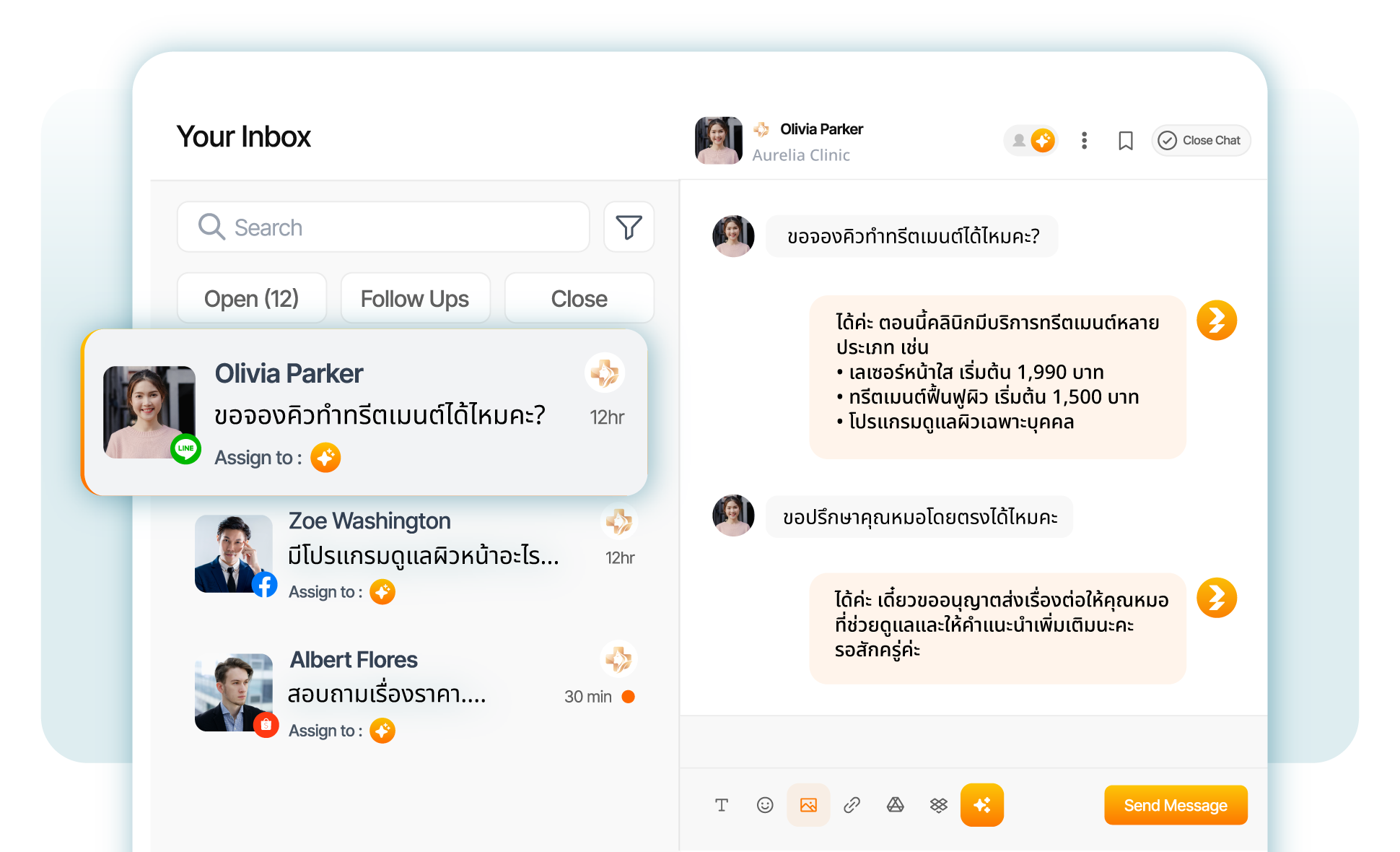
Assign conversations to a person or team, draft replies with AI, and use saved responses. Organize your queue with Open, Follow Up, and Close statuses.
-
CUSTOMER CONTACTS
Know the person
behind every chat
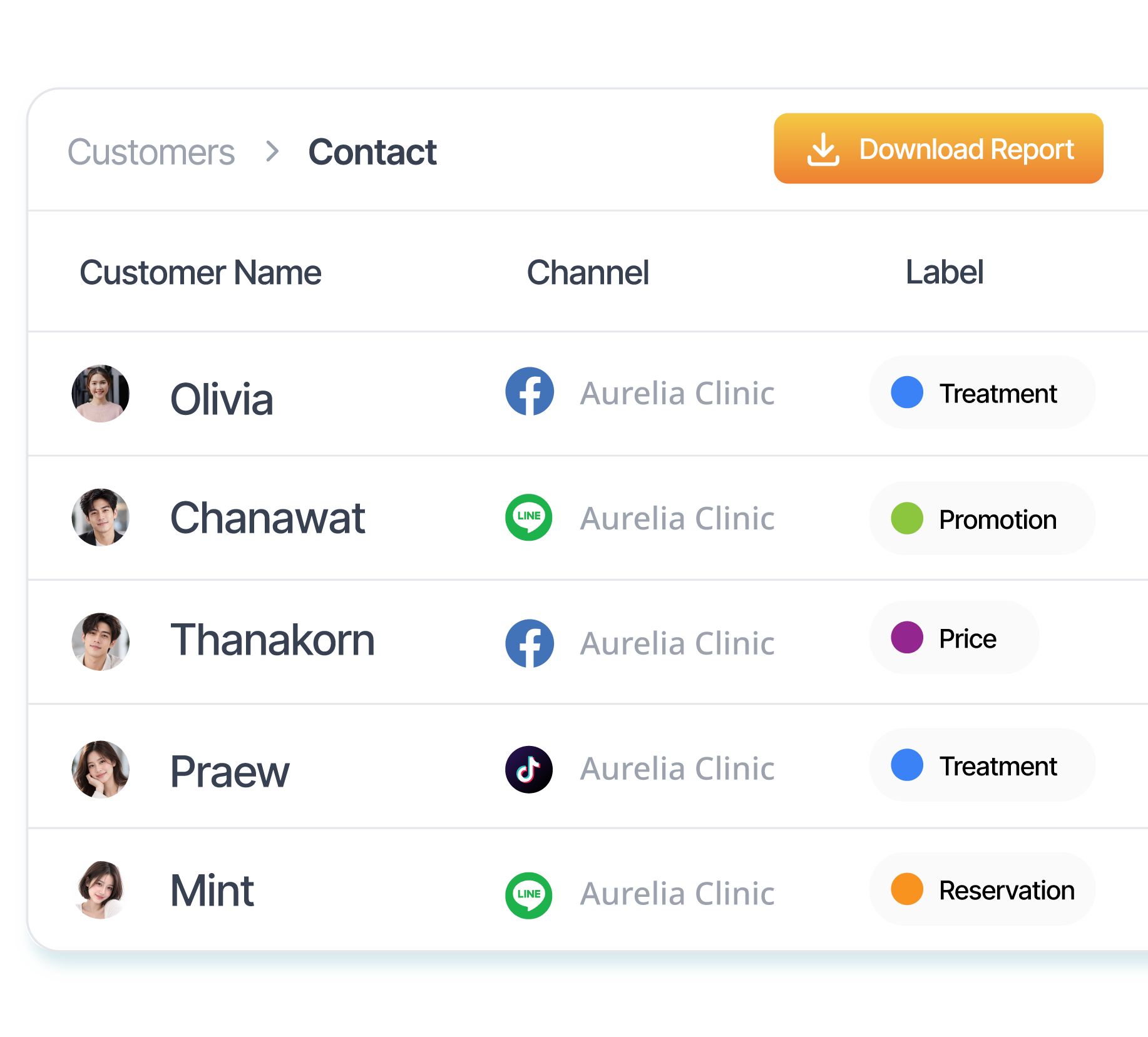
Customers are added from your connected channels. See conversation and order history, add contact details, and organize customers with labels so your team can follow up easily.
- Search and filter by channel, label, and date range.
- Let AI apply labels using conditions written in everyday language.
- Segment service inquiries, new customers, and people who need follow-up.
- Export customer contacts as CSV.
-
BROADCAST
Bring customers back
with relevant messages
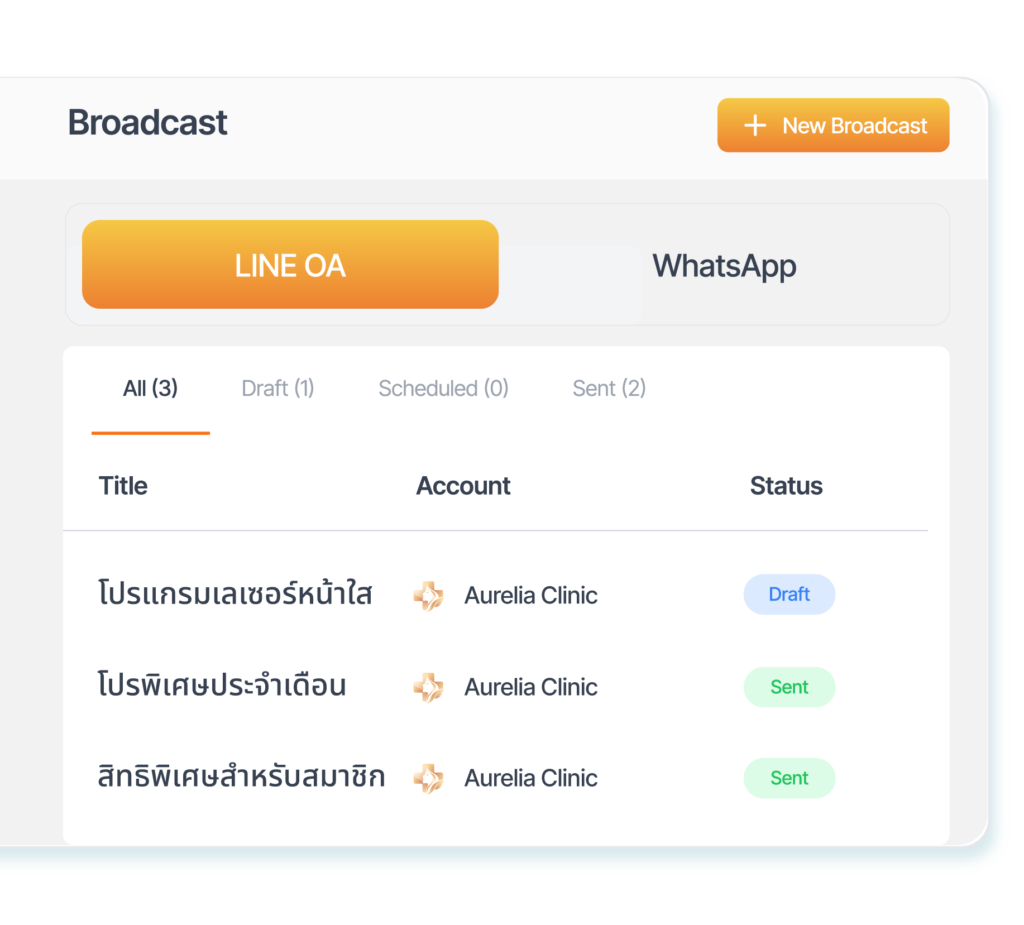
Choose recipients by label, last contact, or conversion data. Send news and campaigns through LINE OA or WhatsApp, immediately or on a schedule.
- Send to everyone or a segment that matches your criteria.
- Use text, images, Rich Messages, and Flex Messages in LINE.
- Personalize with customer names and saved templates.
- Preview messages, save drafts, and manage delivery status.
-
SALES ANALYTICS
See your team’s work
and what chats deliver
- Chat Performance: Track average response time, chats unanswered for 12 hours, and peak inquiry times to plan staffing.
- Agent Performance: Compare AI and human activity, chat volume, and individual team members’ performance.
- Sales Performance: Track orders, sales, and average order value recorded in Saifa, and compare with the previous period.
- Conversation Analytics: Review purchase intent, sentiment, topics, and AI suggestions for prioritizing follow-ups.

-
ORDER MANAGEMENT
Manage your services
and the products you sell
Manage services, orders, and payments in the same workspace your chat team uses.
Service and Product Catalog
Separate appointment-based services from products for sale. Organize categories, images, descriptions, and pricing plans for each service.
Create Orders from the Inbox
When a customer buys a clinic product, create an order right from the conversation, apply a discount, and revisit the order history or original chat.
Bank Transfers and PromptPay
Share bank details or a PromptPay QR code in chat, receive payment slips for your team to check, and track orders from Unpaid to Paid.
-
BUILT FOR YOUR TEAM
Your clinic decides
where AI helps
-
RESPONSE & ESCALATION
Set Response Boundaries
Choose human or AI support during business hours, enable AI Full Service after hours, and hand conversations to your team when questions fall outside the knowledge base or meet your rules.
-
AI TEST
Test Before Going Live
Try conversations with Quick Test, or use Full Test to evaluate a set of questions. Review answers and compare results after updating your clinic’s information.
-
TEAM MANAGEMENT
Teams and Access Roles
Invite members, assign roles, and organize teams to handle conversations. Give each person access that fits their responsibilities.
-
SAIFA ASSISTANT
An Assistant for Back-Office Work
Use AI to draft content, plan campaigns, or summarize documents using your clinic’s information. Collaborate with selected team members in Group Chat.
-
DESIGNED AROUND YOUR SERVICES
Built around
your clinic’s services
Aesthetics & Dermatology
Coordinate practitioners, rooms, and equipment, and segment customers by service interest.
Dental Clinics
Set appointment durations by service and manage each provider’s schedule.
Physiotherapy & Wellness
Set service sessions, capacity per session, and the rooms used.
Specialist Clinics
Organize services and availability by location, with a team to manage conversations.
-
GET STARTED WITH SAIFA
Set up once.
Be ready for chats and bookings.
Knowledge and Team
Add your knowledge base, set the AI’s tone, invite your team, and assign responsibilities.
Schedules and Services
Add practitioners, rooms, or equipment and link them to services, durations, and pricing plans.
Connect Your Channels
Connect your clinic’s accounts and set rules for replies, handoffs, and automatic labels.
Test, Then Launch
Try questions in AI Test and create a test booking before your team starts using Saifa.
Keep your clinic moving with one platform
Book a demo with the Saifa team to explore AI replies, service schedules, appointments, CRM, and broadcasts—starting with how your clinic works.